Phone and computer
How to get into your phone and laptop, and where the important things are on them.
SafelyShare is a digital safe for the people you love. Fill it with what they would need to know, hand it to someone you trust, and it stays closed as long as you keep extending it.
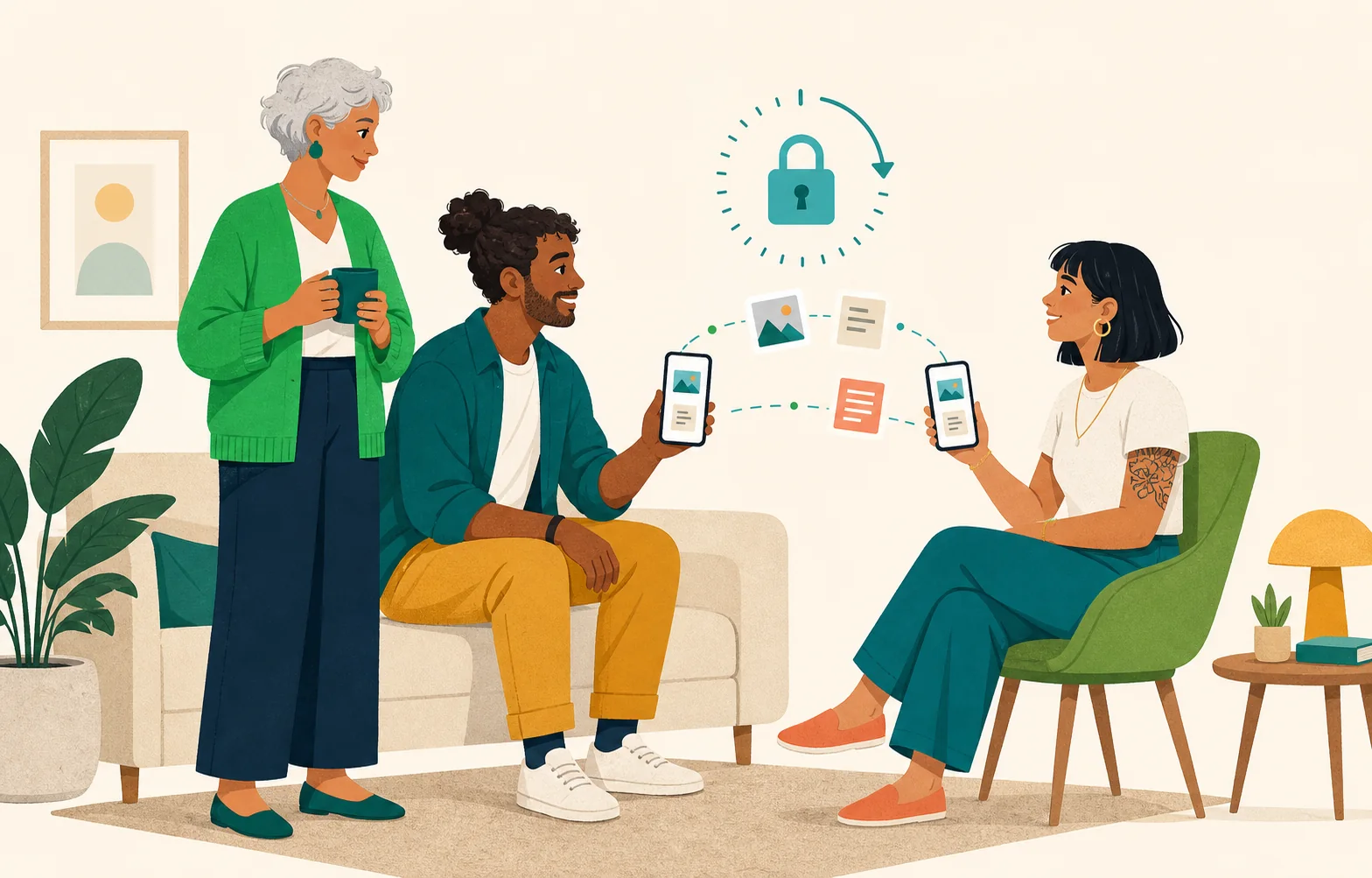
The app asks a few questions and you answer them. Ten minutes, and it is ready.
How to get into your phone and laptop, and where the important things are on them.
Which bank, which insurers, which policies, and where the papers are.
The doctor, the accountant, the neighbour with the spare key. Names and numbers in one place.
What you would want, in your own words, so nobody has to guess.
The memories you want them to have and the documents they would look for.
Like a digital notary, without the appointment. Everything is written down, kept safe, and handed over at the right moment.
The app asks the questions. You answer them, add what you like, and your safe is ready.
With your phones next to each other, the locked safe moves from your phone to theirs, and nowhere else.
One tap keeps the safe closed. Stop extending it, and it opens for them.
The person you chose already has the safe on their phone, locked. It only opens if you stop extending it.
Try changing how often you extend above.
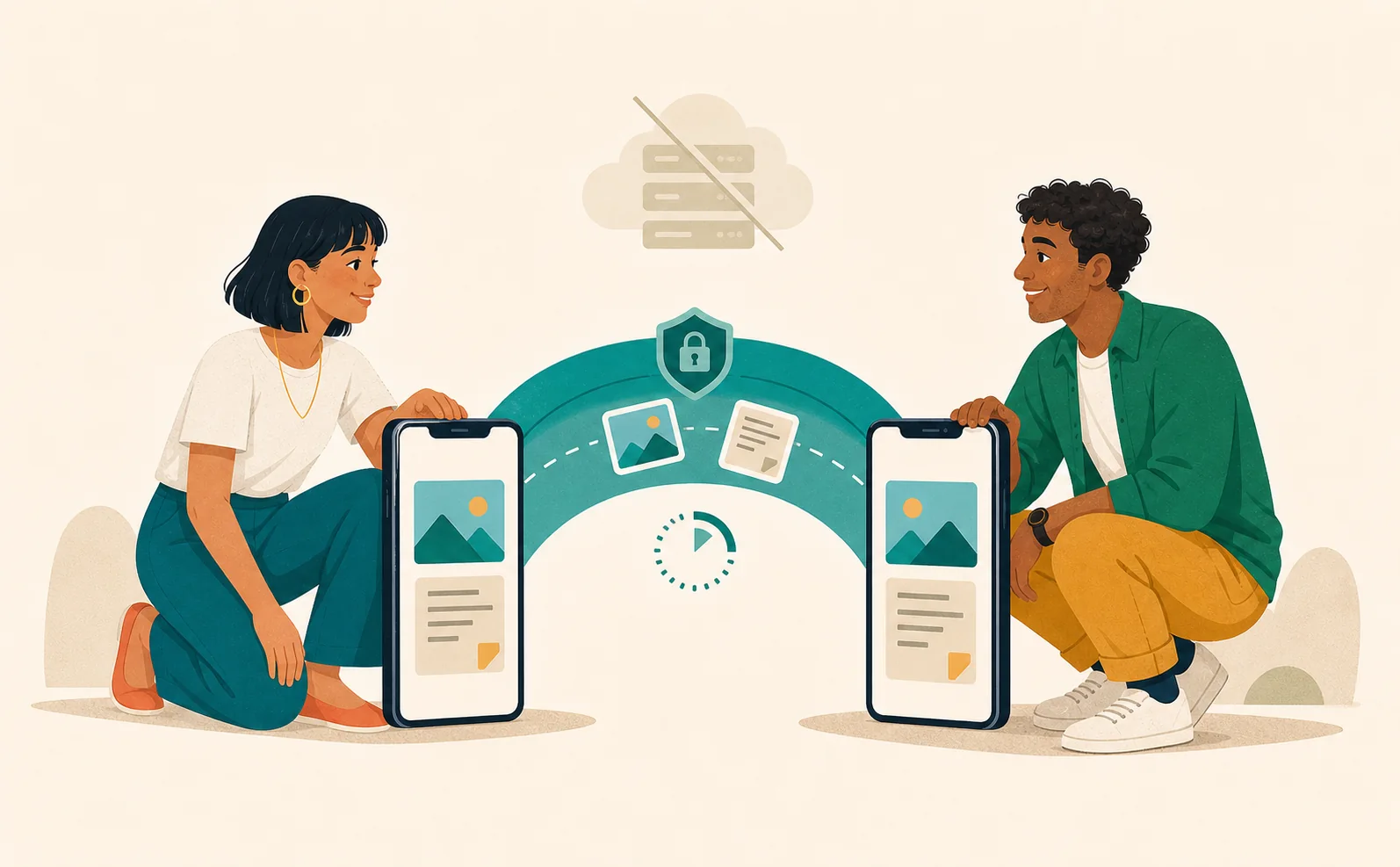
Your safe is encrypted on your phone and handed over phone to phone. We help with the timing. We never see the contents.
With Free, you prepare your first 2 shared safes. With Pro, you share unlimited safes and your phone extends your safes for you.
Choose Pro when you need more than 2 shared safes or do not want to extend them by hand.
Prepare a safe for everyone who would need one.
Your phone extends your safes for you, without opening the app.
Your safe stays locked on your phone and is handed over phone to phone.
Prepare 2 shared safes, hand them over from your phone, and extend them yourself.
Prepare and hand over 2 safes at no cost.
SafelyShare never stores what is in your safe.
One tap in the app, on the web, or from an e-mail link.
iDEAL: The free trial is not available with iDEAL due to technical limitations. It is available with card, PayPal, Apple Pay, or an in-app purchase. An iDEAL purchase charges €9.99 for Individual or €29.99 for Family immediately and automatically renews once each year at the same price until cancelled. These charge and renewal terms are shown before checkout.
Trials convert to the selected yearly plan and renew automatically unless cancelled. Trial eligibility is determined separately by Mollie, Apple, or Google. Storefront prices may differ by country and currency.
How a safe works, what we keep, and what we are not.
A safe holds what the people you love would need: how to get into your phone, where the papers are, who to call, your wishes, photos and documents. You hand it to one person you trust. It stays closed as long as you keep extending it.
You choose how often you extend, for example every 30 days. Every extension keeps the safe closed for another period. If you stop extending it, the safe opens for the person you chose. SafelyShare does not know what happens to you. The only thing it sees is whether you extended.
No. Everything in your safe is locked on your phone and handed over straight to the other phone. Our server keeps your account, the settings of each safe, and the safe key in a locked form that only the other person’s phone can open. It never stores the safe files.
No. SafelyShare is not a notary and does not replace a will or any other legal document. It is a safe with instructions: a practical place for what the people you love would need to know, handed over at the right moment. For anything legal, talk to a notary.
Create a free account now; the TestFlight and Google Play links appear on the beta page as soon as the tracks open.